Overlay types
Overlays are scheduled effects drawn above the slide program (confetti, clocks, QR codes, etc.). Stored in SQLite overlays with overlay_type and config_json.
GET /v1/display/overlays
POST /v1/display/overlays
PATCH /v1/display/overlays/{id}
DELETE /v1/display/overlays/{id}
Global disable: set display.overlay.enabled to false in config_key_values (or via PUT /v1/config/key-values).
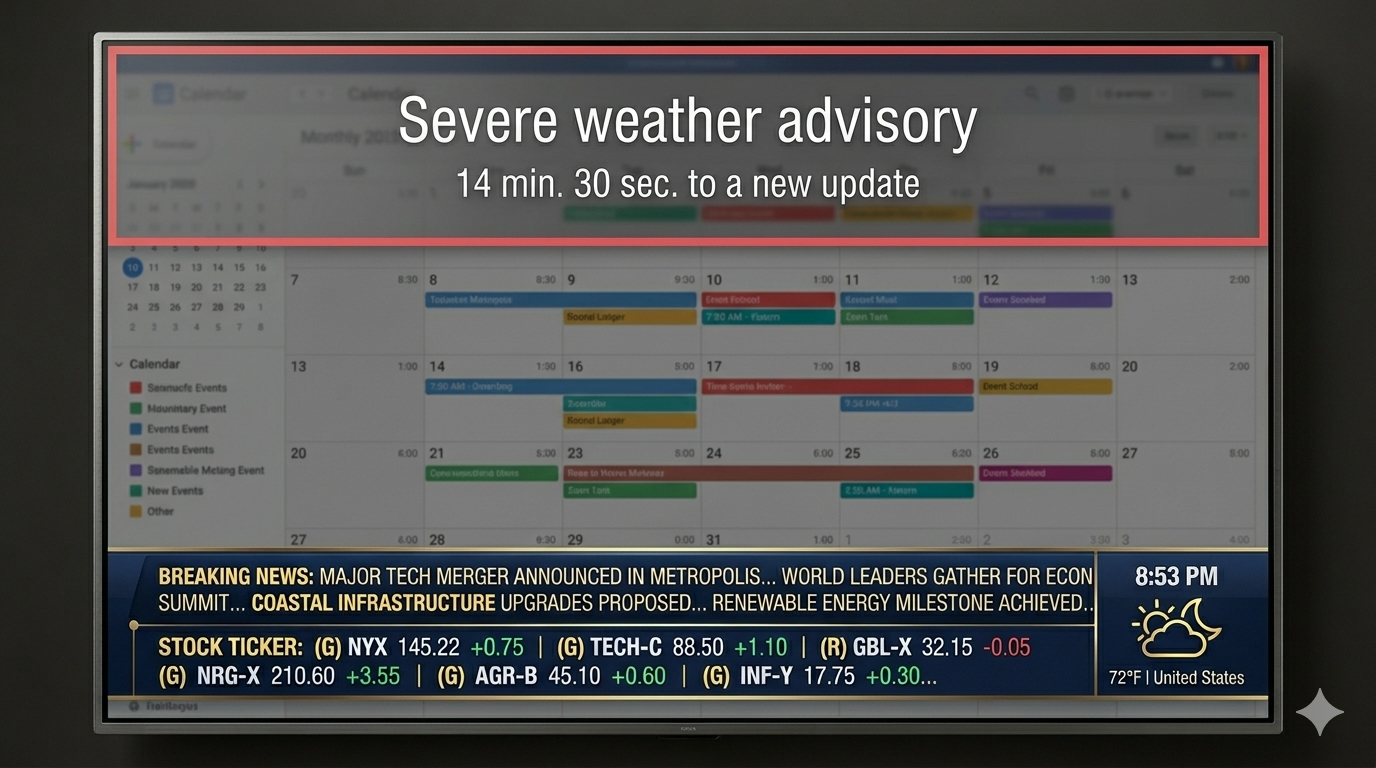
Built-in overlay types
overlay_type |
Label | Description |
|---|---|---|
shape_rain |
Shape rain | Falling shapes (legacy hearts_rain migrates here) |
birthday_confetti |
Birthday confetti | Confetti + optional messages |
bouncing_message |
Bouncing message | DVD-style bouncing phrase |
falling_images |
Falling images | Uploaded images drift down |
matrix_rain |
Matrix rain | Green character columns |
edge_glow |
Edge glow | Pulsing edge vignette (alarms) |
floating_balloons |
Floating balloons | Balloons from bottom |
cloud_drift |
Cloud drift | Drifting cloud shapes |
static_image |
Static image | Full-screen image overlay |
digital_clock |
Digital clock | Time overlay |
analog_clock |
Analog clock | Analog clock overlay |
calendar_month |
Calendar month | Month calendar overlay |
calendar_upcoming |
Calendar upcoming | Upcoming events list |
stock_quote |
Stock quote | Single symbol highlight |
photo_slideshow |
Photo slideshow | Rotating photos |
qr_code |
QR code | QR from config payload |
plugin_template |
Plugin template | Plugin celebration layer |
plugin_web |
Plugin web | Plugin WebView overlay |
Scheduling fields
| Field | Purpose |
|---|---|
repeat_annually |
Repeat every year on start date |
start_month, start_day |
Start of window (required) |
end_month, end_day |
Optional end (inclusive span) |
year_exact |
Pin to one calendar year |
nth_week_of_month, nth_weekday |
Nth weekday rule (both required) |
Messages for phrase-based overlays live under config_json.messages.
Example: birthday confetti
curl -sS -H "Authorization: Bearer $TOKEN" -H 'Content-Type: application/json' \
  -d '{
    "id": "birthday_alex",
    "enabled": true,
    "overlay_type": "birthday_confetti",
    "label": "Alex birthday",
    "config_json": {
      "messages": ["Happy birthday, Alex!"],
      "colors": ["#E05C6C", "#FFE356"],
      "density": 0.36
    },
    "repeat_annually": true,
    "start_month": 6,
    "start_day": 12
  }' \
  https://127.0.0.1:8787/v1/display/overlays
See REST API reference for full request shapes.